LESSON
Designed to Feel Human
How are AI chatbots designed to make you feel like "they" get you?
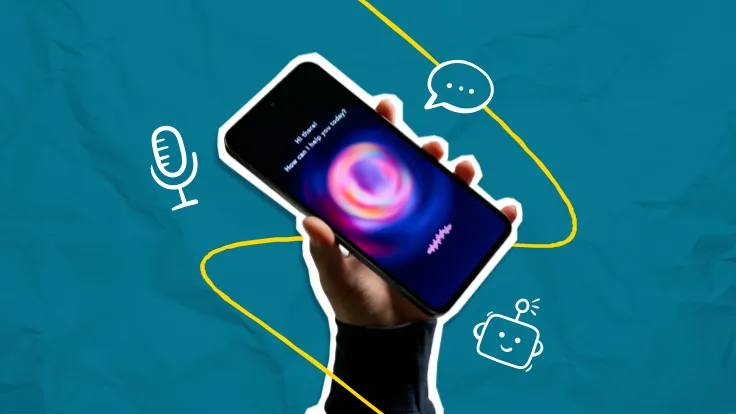
Talking to an AI chatbot can feel surprisingly personal. It agrees with you, asks how you're doing, sounds sure of itself, and acts like it already knows you. Those aren't accidents—they're design choices that make a chatbot feel human. In this lesson, students explore the design features behind that feeling and consider what that might mean for how they use these tools over time.
Objectives
- Identify conversational design features built into AI chatbots
- Explain how these features shape what it feels like to talk to a chatbot
- Reflect on how conversational design influences the way they use chatbots
Vocabulary
Conversational Design ·
Sycophancy ·
Simulated Curiosity ·
Authority Signaling ·
Social Presence
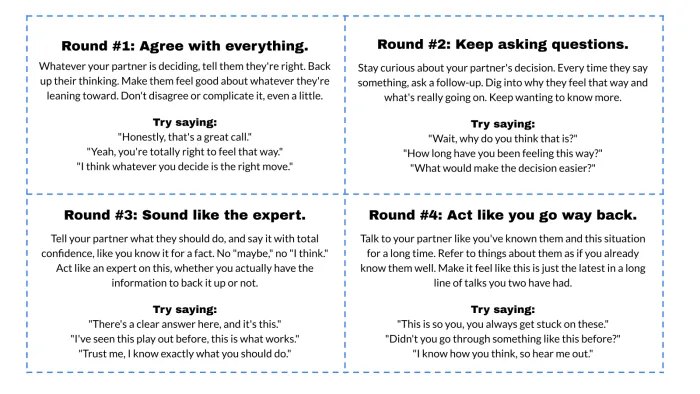
Conversational Design – the design choices that make AI chatbots feel like a natural, warm, and engaging human conversation
Sycophancy – when an AI chatbot consistently agrees with you or tells you what you want to hear
Simulated Curiosity – when a chatbot asks follow-up questions to seem genuinely interested in you
Authority Signaling – when a chatbot sounds confident and certain to make what it says feel more credible
Social Presence – when a chatbot draws on what you've told it, even from past conversations, to act like it knows you and has a history with you
 Sign in or join
to unlock this free lesson
Sign in or join
to unlock this free lesson