

An age-and-stage guide for appropriate tech use in schools.
Where this comes from:
These recommendations draw on developmental research about how children learn at each age, Common Sense Media's ongoing assessments of AI tools, and input from teachers across grade levels. They're organized by grade band because what's right for a second grader and what's right for a 10th grader are genuinely different questions.
This guide is about how technology gets used in your classroom, not which tools make the cut. Any tool you use should be on your school's or district's approved list.
A note on scope:
- Smartboards, projectors, and document cameras are standard instructional tools. The guidance below is about student-facing tech beyond everyday classroom display.
- For students with IEPs, 504 plans, or assistive technology needs, appropriate tech use may look different from what's described below. Follow the student's plan, as assistive tech (text-to-speech, communication devices, sensory tools) serves a different purpose than general classroom tech.
Guiding Principles for Every Age
- Start with the learning, not the tool. If a book, a conversation, or a pair of scissors will do the job, start there. You can always add tech later. What it replaces is harder to bring back.
- The student does the thinking. Analyze, create, question, debate—that's the student's job, not the tool's. If the tech is doing the heavy lifting, students aren't building the skills the task was meant to develop.
- Protect what screens can't build. Real conversation. Hands-on work. Unstructured time to be curious. These are what build language, thinking, and the ability to work with other people. Make intentional space for them.
- Tech can extend what you're already doing well. The strongest case for classroom tech is when it lets you do something you genuinely couldn't otherwise, giving students authentic ways to create, communicate, and express their ideas, or meeting students at different levels at the same time. Used this way, tech extends good teaching rather than substitutes for it.
- You're an essential part of what makes tech work. What students get from a device depends on what you're doing while they're on it. Circulating, checking in, pulling small groups—without that active involvement, tech use tends to drift regardless of the tool.
- Your classroom is one slice of the pie. Even productive screen time adds up. Think about how much device time your students are accumulating across classes and what's following them home as homework. Too much of a good thing is still too much.
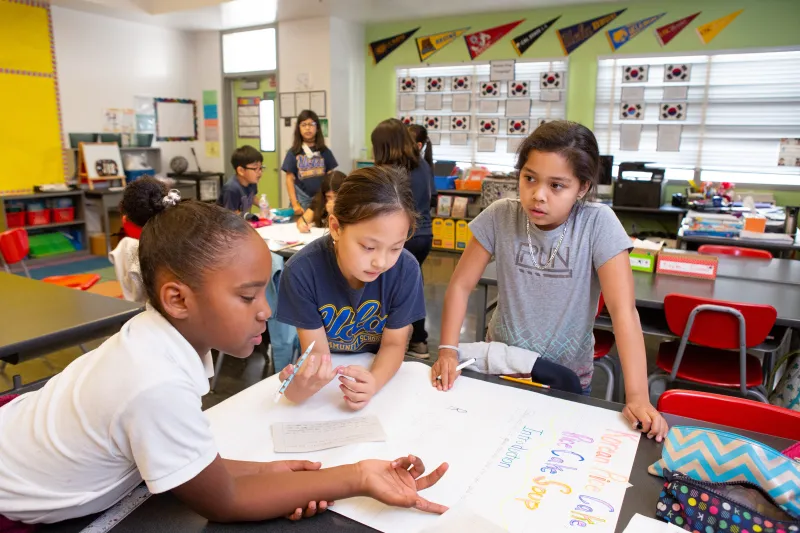
Grades K–2 (Ages 5–8)
What's happening developmentally?
Kids at this age learn by doing: building, drawing, talking, playing. Attention and self-regulation are actively forming, which makes this a critical period for building the focus that reading requires. Language is built through back-and-forth conversation with adults and peers, and this is the fastest period of vocabulary growth in a child's life. Fine motor skills, pencil control, letter formation, cutting, and building are central to the K–2 day, and they develop through the physical work itself. Tracing on a screen isn't the same practice as holding a pencil. And kids this age need regular movement, which supports cognitive function and self-regulation, not just physical health.
How tech could show up in the classroom at this age:
Given what's developing, the key distinction at K–2 is between shared screen use—where you're guiding, discussing, and building on what's on screen with students—and individual device use, where a child is alone with a screen. Shared, purposeful use can extend a lesson. Individual use is where the developmental concerns are most acute, and should be the exception, not the routine. Ask: Does this extend something I'm already doing well, in a way that a book, a conversation, or a set of manipulatives can't?
What tech works well:
| Use | Looks like ... |
| Shared screen for a specific purpose | A virtual field trip, a nature cam, a short clip tied to a lesson. The screen is a prompt, followed by discussion or a hands-on activity. |
| Video calls | Guest reader, partner class, expert visit. Interactive, language-rich, real turn-taking. |
| Audiobooks | Vocabulary and listening comprehension, especially for kids not yet reading independently. Best paired with follow-up conversation. |
| Music via speakers | Movement breaks, transitions, phonological awareness. Participatory over passive. |
Where it doesn't:
| Use | Why |
| Individual devices as a regular routine (including AI tools, algorithm-served content, and apps with social features) | At this age, kids learn best through conversation, hands-on activity, and direct interaction with you and each other—not through a screen. |
| Screens for non-instructional time (e.g., free choice, transitions, movement breaks, meals, recess) | That time belongs to movement, play, and peer interaction. If the goal is movement, consider teacher-led games, music, or simply letting kids move on their own. |
| Defaulting to apps because they're labeled "educational" | At this age, most of what kids need to practice happens better off a screen. The label doesn't tell you whether a tool earns the time. |
In Practice:
- Default to whole-class, teacher-led instruction. Individual devices should be the rare exception at this age, not a regular part of the routine. When there is a clear reason for individual use (targeted skill practice, assistive technology), you choose the tool, set the task, define the time, and stay actively involved.
- When screen-based content is part of whole-class instruction, we suggest keeping it short: around 15 to 20 minutes, tied to a specific learning goal, and not part of a daily routine.
- Audiobooks and music are lower-risk and can be used more flexibly. They don't carry the same concerns as screen-based media.
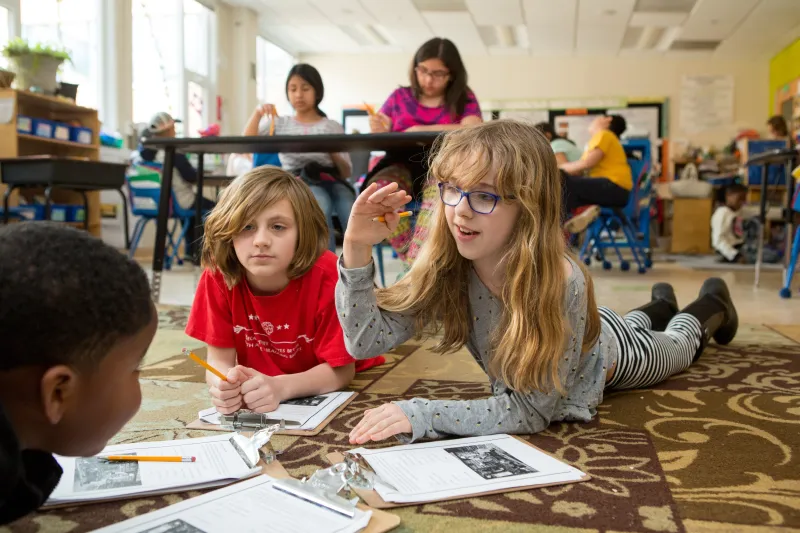
Grades 3–5 (Ages 8–11)
What's happening developmentally?
Kids at this age are becoming more independent thinkers and more social beings, and many have more exposure to tech at home than in previous grades. They can think logically but still concretely, and can follow multi-step directions, handle longer projects, and explain their reasoning. Impulse control is strengthening but still inconsistent. Peer dynamics are intensifying, and social comparison, inclusion, and exclusion carry real weight. Sleep matters at every age, but bedtime autonomy is expanding, and its effects on attention, mood, and stamina increasingly show up in the classroom.
How tech could show up in the classroom at this age:
Your role shifts from gatekeeper to guide: You're not controlling every interaction, but you're setting the conditions and staying visible. When students are on devices, it's with a defined purpose, a time limit, and with your visibility into what they're doing.
What tech works well:
| Use | Looks like ... |
| Collaborative platforms | Shared documents, group projects, and peer feedback, where the tool enhances students' ability to build on each other's thinking. |
| Structured research & information literacy | Finding, comparing, and evaluating sources with teacher guidance that builds toward a project, question, or argument where students move from gathering information to doing something with it. |
| Creation tools | Presentations, digital stories, simple coding, and multimedia projects, where the act of making something requires students to synthesize or apply what they're learning. |
Where it doesn't:
| Use | Why |
| Adding screen time without adding value (daily practice on an app that doesn't handle more than a worksheet, reading on a platform when physical books work fine, digital versions of tasks that don't gain anything by being digital) | Even when the digital version works fine, it's adding screen time without adding learning value—and at this age, that tradeoff isn't neutral. |
| Unstructured device time as part of the routine (independent browsing, passive video, screens as reward or filler) | Device use at this age still needs a defined purpose, a time frame, and your visibility into what students are doing. |
| Student-facing AI tools | Kids this age are still building the reading, writing, and reasoning skills that AI can supplant. Teaching them how AI works at this age doesn't require them using it. |
In practice:
- Individual device use is appropriate—with a defined purpose, a time limit, and your visibility into what students are doing and producing.
- Prioritize tools where students create, collaborate, and build skills over tools that deliver content passively.
- Start teaching digital literacy explicitly. Kids are encountering platforms, algorithms, and AI outside of school. This is the age to give them the framework to think critically, make responsible choices, and build healthy tech habits.
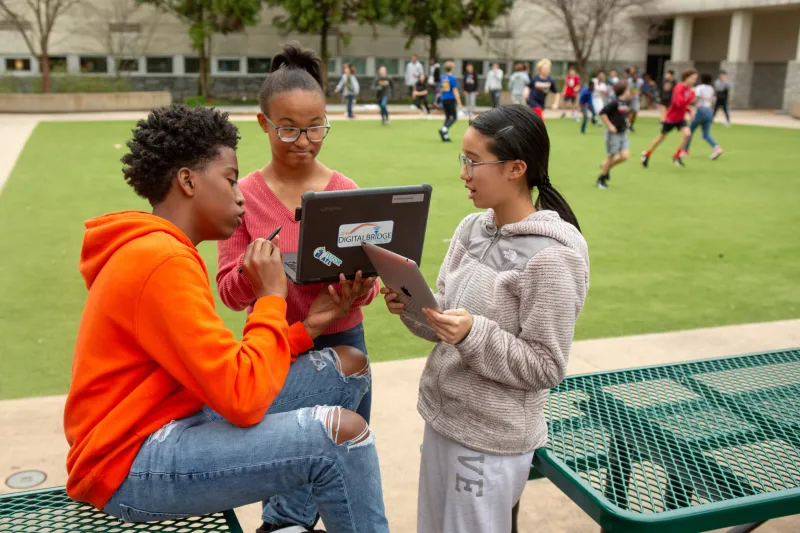
Grades 6–8 (Ages 11–14)
What's happening developmentally?
A lot is going on at this age. Abstract thinking is emerging: Kids can reason about hypotheticals, evaluate arguments, and think systematically in ways they couldn't before. They can reflect on their own learning and engage with multiple perspectives on the same question. At the same time, the brain's reward system is surging ahead of its cognitive control system, which means heightened sensitivity to social approval and risk-taking paired with still-developing judgment. Peer influence rises sharply in this period. Identity formation is the central work—kids are figuring out who they are, and that process is urgent and emotional.
How tech could show up in the classroom at this age:
Students at this age can do more complex, sustained work with technology, and the work should match what they're now capable of cognitively. Tech use should be in service of the capacities that matter most: critical thinking, creativity, curiosity, and human connection. In classrooms where every student has a device, it's worth being intentional about when students work together versus alone. Collaboration should be the default, not the exception.
Where tech works well:
| Use | Looks like ... |
| Collaborative revision and peer feedback | Shared docs where students see and build on each other's thinking in real time as they write and produce. |
| Real-world data analysis | Working with actual data sets—climate, census, local community—where students are exploring patterns, testing questions, and drawing their own conclusions. |
| Simulations and modeling | Testing hypotheses in a virtual lab, modeling real-world systems, manipulating variables to see what changes. |
| Creating for a real audience | Podcasts, documentaries, multimedia projects where the work is meant to be shared beyond the classroom and the audience raises the stakes. |
| Connected learning | Partnering with classrooms in other places, connecting with experts, engaging with community stakeholders on real questions. |
| Supervised exploration of AI tools to build AI literacy | Teacher-guided activities where students interact with AI to understand how it works: what it gets right, what it gets wrong, how it generates responses, where bias shows up. The goal is to help students think critically about the opportunities and risks it presents. |
Where it doesn't:
| Use | Why |
| Screen-based versions of tasks that don't gain anything by being digital | If the screen is doing what a worksheet or a book already does, it isn't earning its place. At this age, tech should enable something that couldn't happen without it. |
| Passive content delivery | Students are capable of analysis, creation, and debate. Tech that delivers information without requiring them to do something with it is underperforming. |
| Tools and features that make performance public | Social comparison is at peak intensity in middle school. Public performance features (e.g., leaderboards, visible scores, class rankings) amplify it, and private progress feedback does the same instructional job without the cost. |
In practice:
- Tech use should match what students are now capable of: analysis, creation, collaboration, and debate. If the tech isn't requiring students to think, it's not earning its place.
- Collaboration is the default, not the exception. A room full of students working silently on individual devices isn't providing what this age group needs most.
- Digital literacy goes deeper here, with an emphasis on AI literacy. Supervised, teacher-guided exploration of AI tools helps students understand the technology so they can think critically about the opportunities and risks it presents.
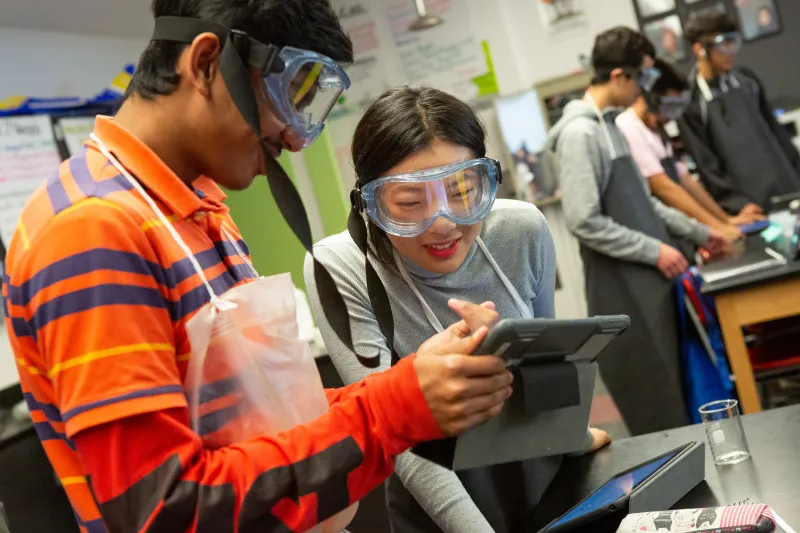
Grades 9–12 (Ages 14–18)
What's happening developmentally?
The range in this band is admittedly wide. A ninth grader still has a lot of middle school in them, and a 12th grader is making adult decisions about college, work, and their future. They can think abstractly, reflect on their own thinking, and engage with complex ideas in sustained ways. The gap between impulse and judgment is narrowing but not closed, especially for younger students in the band. Identity is solidifying—students are forming values, political views, and a sense of who they want to be. And their digital lives now have real consequences: What they post, share, and produce online follows them into adulthood.
How tech could show up in the classroom at this age:
Students at this age are thinking about their futures: college, careers, who they want to be. But they're still building the relationships and sense of belonging that keep them invested in their learning. Tech use should reflect this: real tools, real purposes, increasing ownership over their work and decisions, and an intentional emphasis on collaboration and connection over isolated screen time. The question shifts from how to structure tech use for students to how to build their capacity to make their own good decisions about it.
What tech works well:
| Use | Looks like ... |
| Complex, sustained independent and collaborative work | Long-term research projects, data analysis, writing and revision, and collaborative problem-solving where students are managing their own process and the tech is in service of work they own. |
| Real-world tools for real-world purposes | Coding, data science, design, media production, professional communication—building skills with the actual tools they'll use beyond school. |
| Student-driven inquiry and publishing | Original research, journalism, community projects, and public presentations where students are producing work for audiences beyond the classroom and engaging with real stakeholders. |
| AI as a thinking aid, not a shortcut | Using AI to stress-test arguments, get feedback on drafts, identify gaps in reasoning, and consider counterpoints—alongside, not instead of, feedback from peers and teachers. Students should be able to explain their own thinking, identify what the AI got wrong, and produce work that's genuinely theirs. |
Where it doesn't:
| Avoid | Why |
| AI use without clear expectations for original thinking | Most high school students are already using AI for schoolwork, so blanket avoidance isn't a viable classroom stance. But "use AI however you want" without structure builds dependence rather than a skill. Students need per-assignment clarity on what's theirs and what's the machine's. |
| Tech use that focuses only on consumption vs. creation | Students are capable of building, arguing, designing, and publishing. If the tech is delivering content without requiring them to do something original with it, it's probably not earning its place. |
In practice:
- Students are preparing for adult digital life. Tech use should reflect that, using the actual tools they'll encounter after school, with real purpose behind the work and growing ownership over their choices and digital presence.
- AI is already in the room. The question is whether students are learning to use it as a thinking aid or leaning on it as a shortcut. Clear per-assignment expectations matter more than blanket policies—and students should have a voice in shaping those expectations.
- Collaboration and connection still matter. Independent work is fine, but a classroom where students are working silently on devices most of the time is missing what keeps them invested in their learning.
- By graduation, students should be able to manage their digital footprint, protect their data, evaluate information critically, and make intentional choices about tech—academically, professionally, and personally.
Photos by Allison Shelley for EDUimages CC BY-NC 4.0