


Lesson
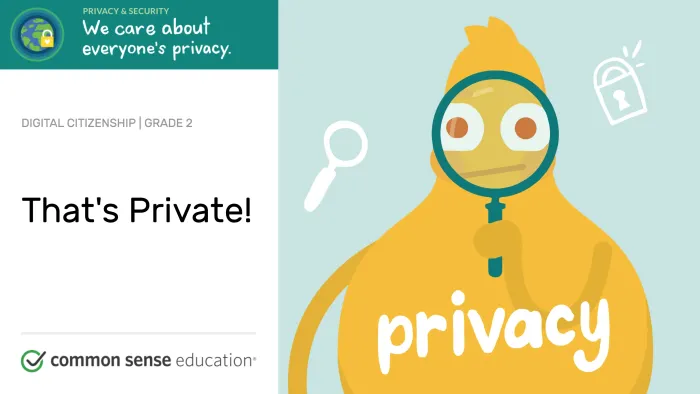
Updated lessons available!That's Private!
What kinds of information should I keep to myself when I use the internet?

Grade
2Time
30 mins.
Objectives
- Recognize the kind of information that is private.
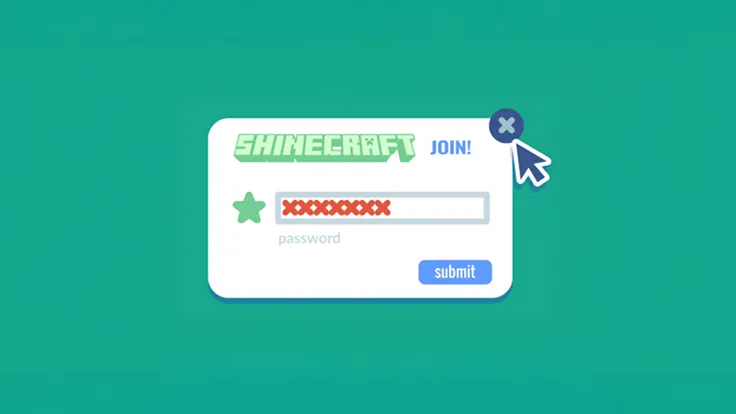
- Understand that they should never give out private information online.
Vocabulary Show definitions
online .
private
online – using a computer, phone, or tablet to visit a website or app
private – something that you should keep to yourself
Standards
This lesson meets standards for Common Core ELA, ISTE, CASEL and AASL.
Lesson Slides
 Sign in or join
to unlock this free lesson.
Sign in or join
to unlock this free lesson.
Standards
This lesson meets standards for Common Core ELA, ISTE, CASEL and AASL.
Hey there! We've updated our curriculum!
This lesson will be archived in December 2026.
We've updated and expanded it into the lessons below.
 Sign in or join
to unlock this free lesson.
Sign in or join
to unlock this free lesson.

© Common Sense Media. Lessons are shareable with attribution for noncommercial use only. No remixing permitted. View detailed license information at creativecommons.org.
Lesson last updated:
What You’ll Need
In Class
© Common Sense Media. Lessons are shareable with attribution for noncommercial use only. No remixing permitted. View detailed license information at creativecommons.org.
Lesson last updated: